
prmpt.bio

Retro MS Paint Masterpieces
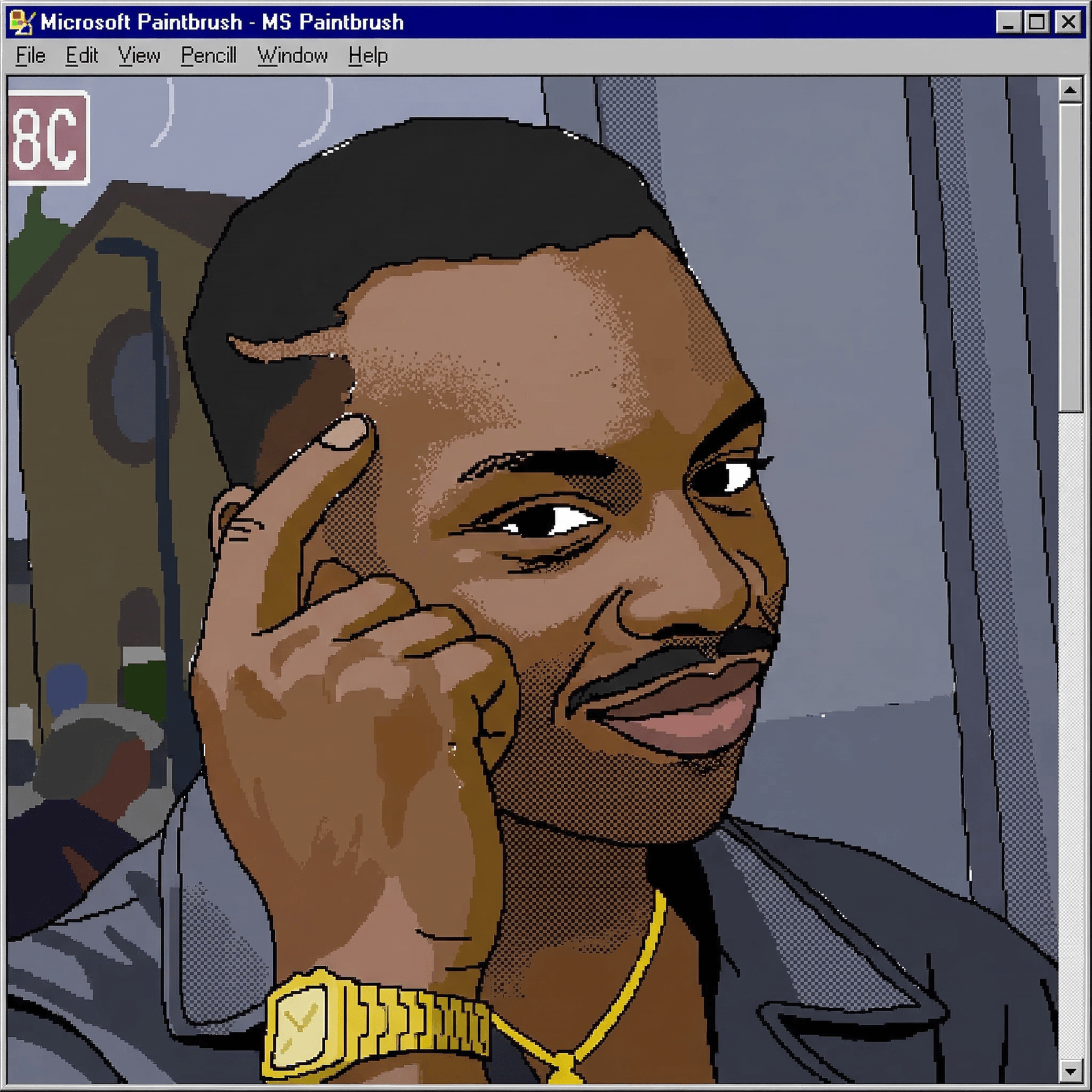
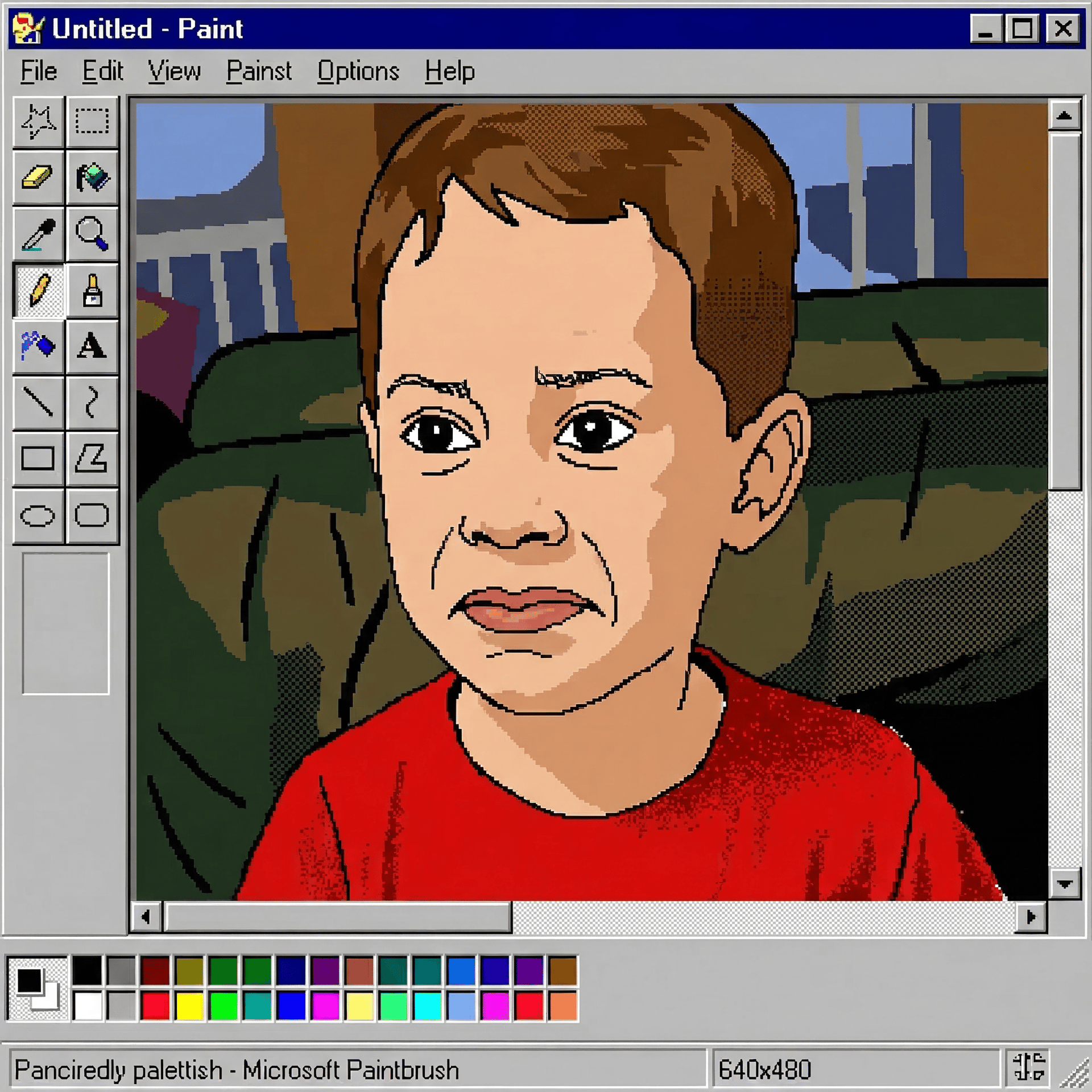
Transform the attached reference image into a crude digital illustration as if it were painstakingly drawn using the original Microsoft Paintbrush (MS Paint) on a Windows 95 PC.
supports TechHalla
- DIRECTIVE: Transform the attached reference image into a crude digital illustration as if it were painstakingly drawn using the original Microsoft Paintbrush (MS Paint) on a Windows 95 PC.

- SUBJECT/CHARACTER DEFINITIONS: The subject from the attached reference image. CRITICAL: Facial features and likeness must STRICTLY match the provided reference image, but translated into a low-fidelity, pixelated digital medium. Maintain the subject's pose and key identifying characteristics.

- SCENE & LAYOUT: Replicate the original composition of the reference image. The image should look like it is hosted on a 640x480 resolution digital canvas. Include visual artifacts of the software, such as slightly shaky outlines, "accidental" white pixels near the borders of color fills, and a flat, 2D perspective.

- TECHNICAL SPECS:
    - STYLE: 1990s retro PC aesthetic, Windows 95 Paintbrush software, 8-bit "clunky" digital art.
    - TOOLS: Visible use of the 'Pencil' tool for jagged black outlines, the 'Paint Bucket' for flat/solid color fills, and the 'Spray Can' tool for primitive, grainy shading.
    - RENDERING: Heavy pixelation (aliasing), no anti-aliasing, "staircase" jagged edges on all curves.
    - COLOR PALETTE: Strictly limited to the standard Windows 95 16-color or 256-color system (vibrant primaries, harsh grays).
    - TEXTURES: Ordered dithering (checkerboard pixel patterns) used to simulate gradients or shadows.
    - LIGHTING: Flat, non-dynamic lighting with no soft transitions or realistic depth.

- NEGATIVE PROMPT: photorealistic, 3D render, smooth gradients, high resolution, soft shadows, anti-aliasing, modern digital art, artistic brushstrokes, oil painting, watercolor, blurry, 4k, cinematic lighting, professional illustration.